Entropy Beta: try it before launch
The Beta opens on Friday, November 13 and runs all weekend. Here's what you'll be able to test and how things continue until the Grand Opening on November 20.
Read more

An Interlude Classic client built for serious play: built-in voice, Auto Farm, Auto Potions, combat alerts and options that make the game fly.
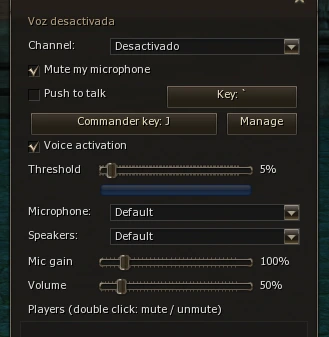
Talk to your party, clan or alliance without leaving the game and without extra programs. Pick the channel (Nearby, Party, Clan, Alliance) and use voice activation or Push to talk.
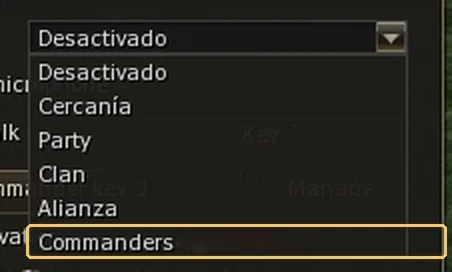
The Commanders channel works like TeamSpeak's Command Channel: leaders coordinate with each other and are heard by the whole clan and alliance with a single key.
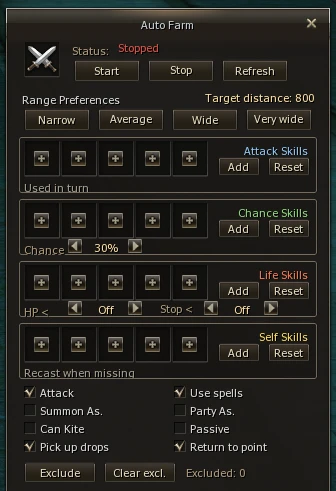
Set up your character once and let it work. The Auto Farm comes built into the client:
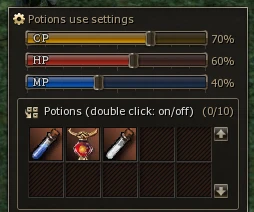
Forget spamming potions mid-fight. Set the CP, HP and MP percentage they kick in at and pick up to 10 potions: the client drinks them only when you need them.
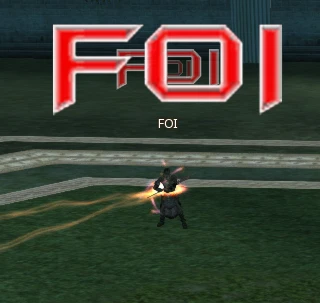
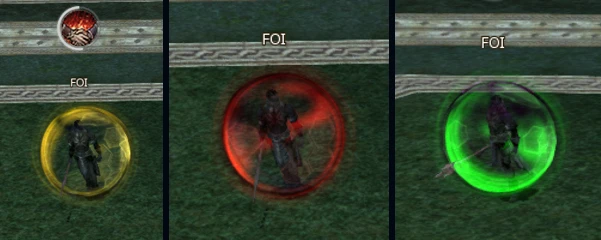
When someone is about to cast FOI, a giant announcement appears above the character. And once active, FOI changes color as time goes by: you instantly know whether your rival has plenty left or it's about to run out.
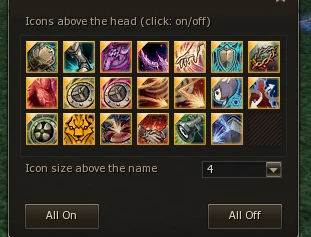
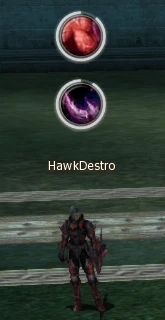
Some skills show an icon above the character. You can choose which ones to see and at what size.
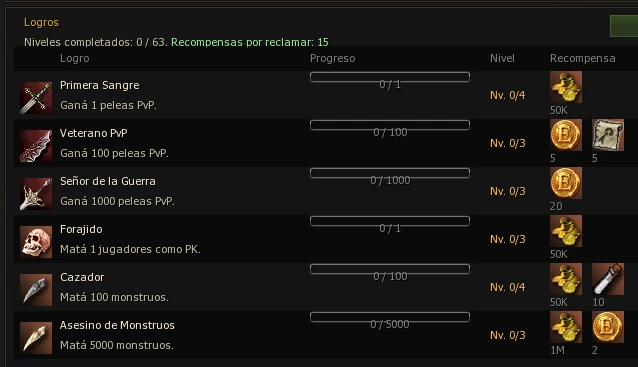
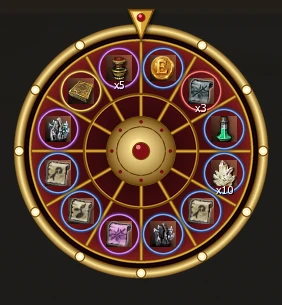
Over 60 achievement levels for PvP, PK, monsters and more, each with its reward: Adena, Entropy Coins or items. And on the prize roulette, every spin can give you consumables, scrolls, Entropy Coins and other items.
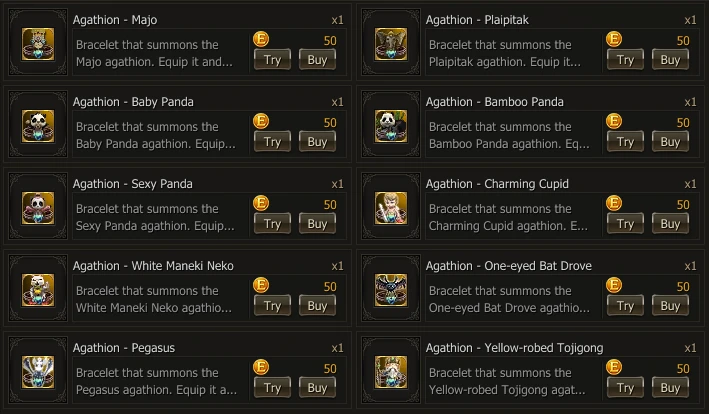
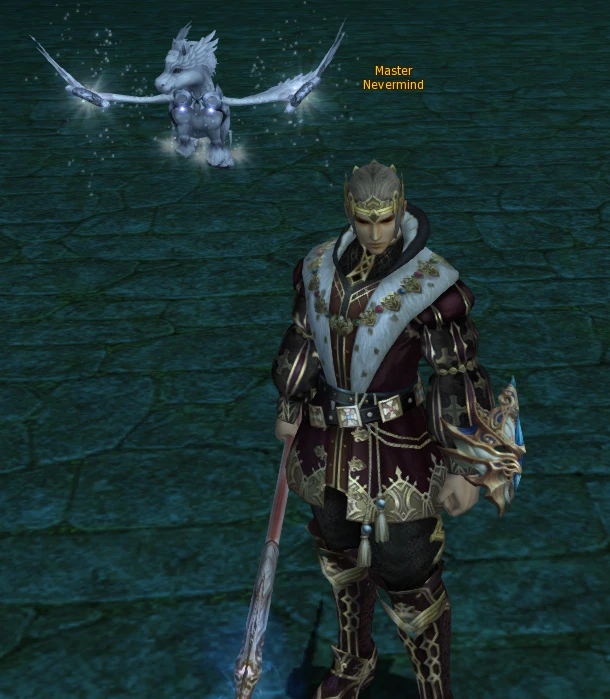
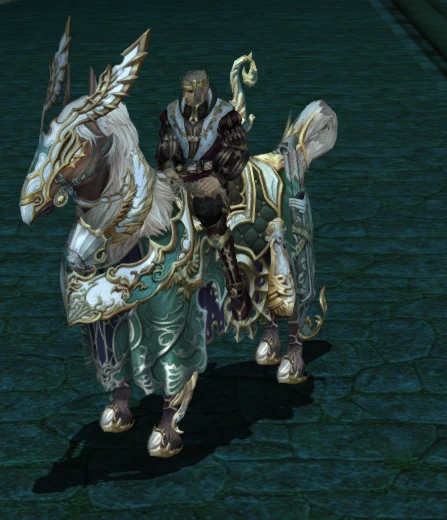
Show off with Classic agathions and mounts. Agathions can be tried on before buying to see how they look.
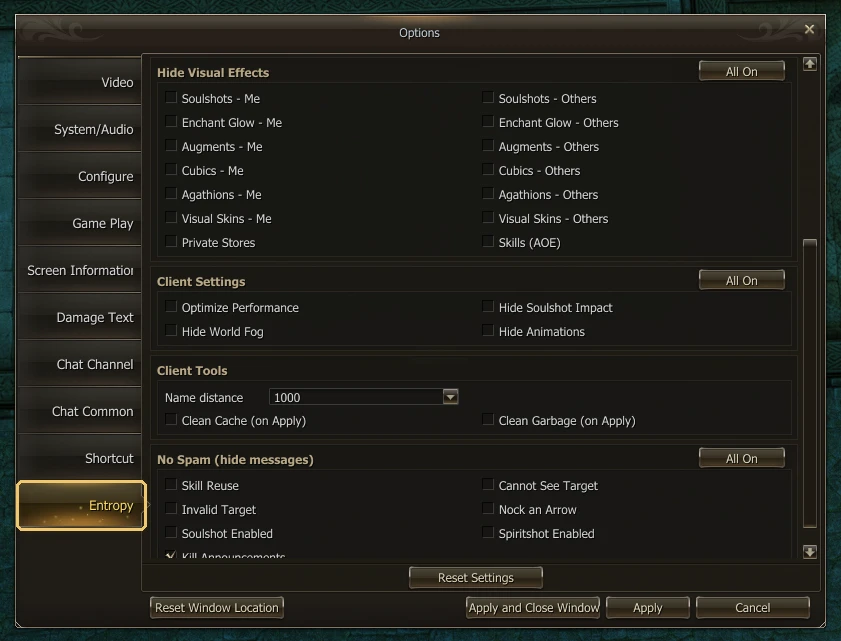
A dedicated options section to make the game run smoother, even in sieges and mass fights. You'll find it in Options (Alt + X), on the Entropy tab:
Keep reading

The Beta opens on Friday, November 13 and runs all weekend. Here's what you'll be able to test and how things continue until the Grand Opening on November 20.
Read more